
 AePS
AePS UPI Cash Withdrawal
 Micro ATM
 Money Transfer
 Banking Services
 Loan
Loan Credit Card Agent
 Payment Solutions
 Mobile Recharge
 Utility Bill Payment
 DTH Recharge
 Wi-Fi Service Partner
 Cash and EMI Collection
 IRCTC Booking
 Bus Ticket Agent
 Courier Service Point
 health insurance
 Hospicash Insurance
 Bike Insurance
 Car Insurance
 PAN Card Agent
 Digital Gold Seller
 Gift Card
 Solar Installation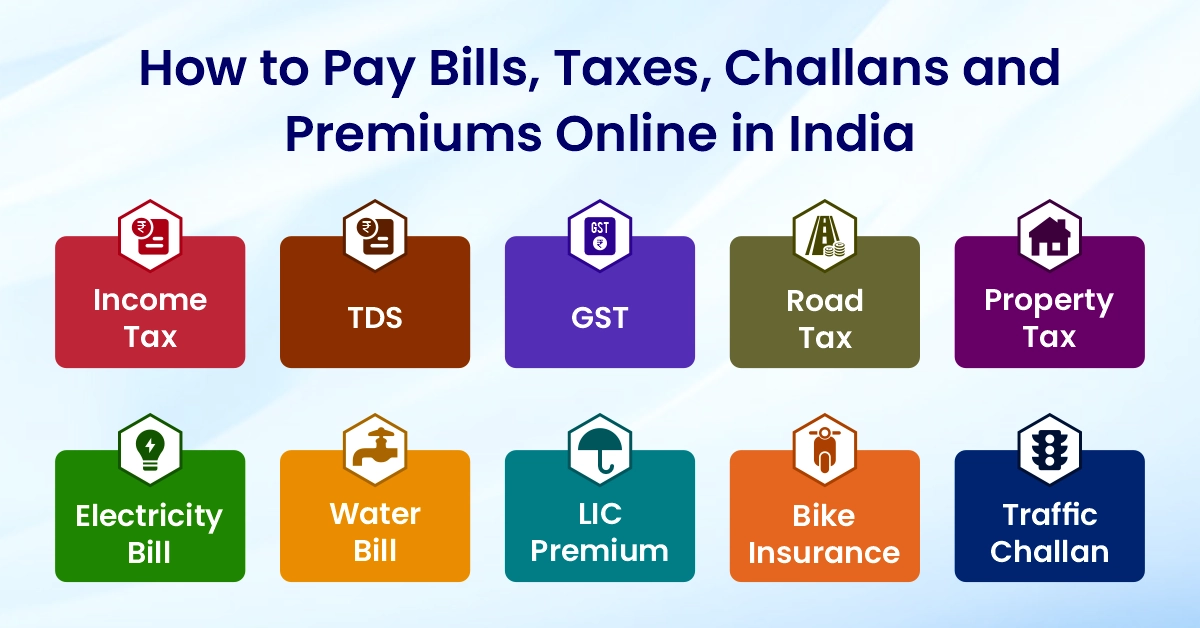
Digital India has changed the way we pay our bills and taxes. Earlier, people had to stand in long queues at government offices, banks or electricity board counters. Today, almost every payment can be done online in a few minutes. Whether it is income tax, property tax, electricity bill, LIC premium, traffic challan or GST, everything is available on secure government portals.
This simple and detailed guide explains how to pay different bills and taxes online in India. It covers all common bill payment like how to pay challan online, how to pay LIC premium online, how to pay electricity bill online, how to pay GST online, how to pay income tax online and many more.
The aim is to make the process easy for common people, beginners, students and first-time online users.
India is moving fast towards online payments. Government departments, electricity boards, insurance companies and tax authorities have adopted digital systems for collecting payments. This shift has brought transparency, reduces time and gives instant confirmation.
People now prefer to pay from home using a mobile phone, laptop or UPI app. All you need is your consumer number, policy number or tax login details.
This blog covers all major payments, including taxes, utility bills, challans, insurance premiums and more.
Benefits of Paying Bills and Taxes Online
- Saves time because you don’t have to visit any office.
- Available 24×7, even on holidays.
- Instant receipts that can be downloaded anytime.
- Payments are safe and secure through official portals.
- Supports UPI, net banking, debit card and credit card.
- Easy to track past payments.
- Reduces the chances of errors and manual mistakes.
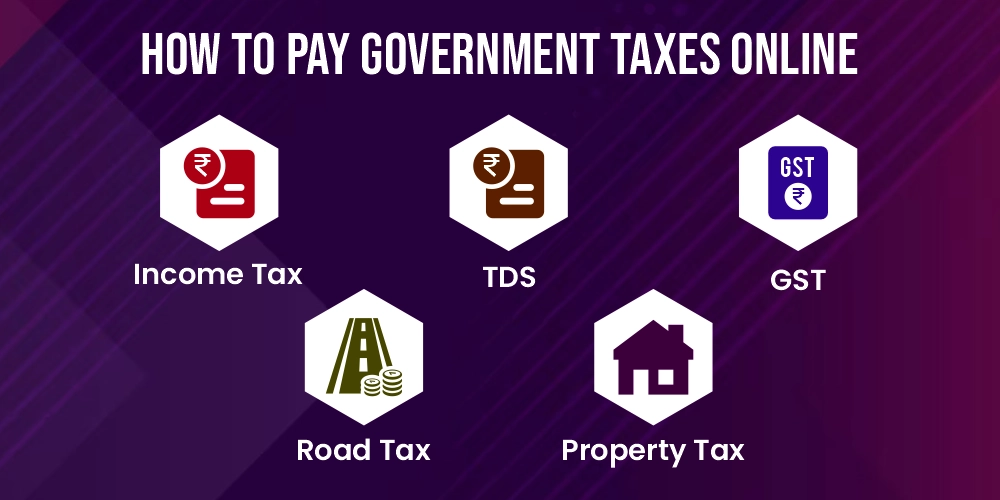
Section A: How to Pay Government Taxes Online
How to Pay Income Tax Online
Income tax can be paid on the official e-filing portal of the Government of India.
Steps:
- Visit the Income Tax e-Filing website.
- Log in using PAN, Aadhaar-linked mobile number or password.
- Go to the e-Pay Tax option.
- Select the type of payment, for example, Self-Assessment Tax or Regular Tax.
- Enter PAN, assessment year, mobile number and tax details.
- Choose the payment method such as UPI, debit card, net banking or RTGS/NEFT.
- After payment, download the challan receipt.
This process is simple for salaried individuals, freelancers, and small business owners who want to know how to pay income tax online or how to pay tax online.
How to Pay Advance Tax Online
Advance tax is paid by people whose tax liability is more than a certain amount during the year. Paying it on time helps avoid interest penalties.
Steps:
- Visit the income tax e-Pay Tax portal.
- Choose the option Advance Tax.
- Fill in PAN, assessment year and amount.
- Select the payment method.
- Complete payment and download the challan.
If you are searching for how to pay advance tax online, this method will guide you through the process correctly.
How to Pay TDS Online
TDS is paid by employers, businesses, property buyers and companies. It is deposited through Challan 281.
Steps to pay TDS online:
- Visit the TIN NSDL (now Protean) website for TDS payments.
- Choose Challan 281.
- Select the type of taxpayer and the type of payment.
- Enter TAN number, assessment year and payment details.
- Complete payment through net banking or debit card.
- Save the challan as proof.
Also Know: What is TDS
How to Pay GST Online
Businesses registered under GST must pay GST online every month or quarter.
Steps:
- Visit the GST portal.
- Log in with GSTIN and password.
- Go to the Payments section and create a challan (GST PMT-06).
- Enter tax amount for CGST, SGST or IGST.
- Pay through net banking, UPI or credit card.
- Check the cash ledger after payment.
This is useful for anyone learning how to pay GST online.
How to Pay Professional Tax Online
Professional tax is charged by state governments. These states allow online PT payment: Maharashtra, Karnataka, Telangana, West Bengal, Tamil Nadu and more.
General steps:
- Visit your state’s commercial taxes or municipal portal.
- Log in using your mobile number or taxpayer number.
- Select Professional Tax payment.
- Enter details and amount.
- Pay using UPI or net banking.
- Download the PT receipt.
This helps you to know how to pay professional tax online.
How to Pay Road Tax Online
Road tax is required to register or renew a vehicle.
Steps:
- Visit the state transport department portal.
- Enter vehicle registration number or chassis number.
- Select Pay Road Tax option.
- Check tax amount and pay online.
- Save the receipt for future RTO use.
These steps answer how to pay road tax online and how to pay vehicle tax online.
How to Pay Property Tax Online
Most municipal corporations allow online payment of property tax.
Steps:
- Visit the official municipal corporation portal.
- Enter property ID, ward number or registered mobile number.
- View pending property tax details.
- Pay the amount using UPI, debit card or net banking.
- Download the receipt.
This covers the queries how to pay property tax online, how to pay house tax online and how to pay building tax online.
How to Pay Land Tax Online
Land tax is paid to the revenue department in states like Kerala, Tamil Nadu, Karnataka and Maharashtra.
Steps:
- Visit your state’s revenue department portal.
- Login with mobile OTP.
- Enter land survey details or property number.
- View the tax amount and pay.
- Store the receipt.
This is helpful for users searching how to pay land tax online.
Section B: How to Pay Utility Bills Online
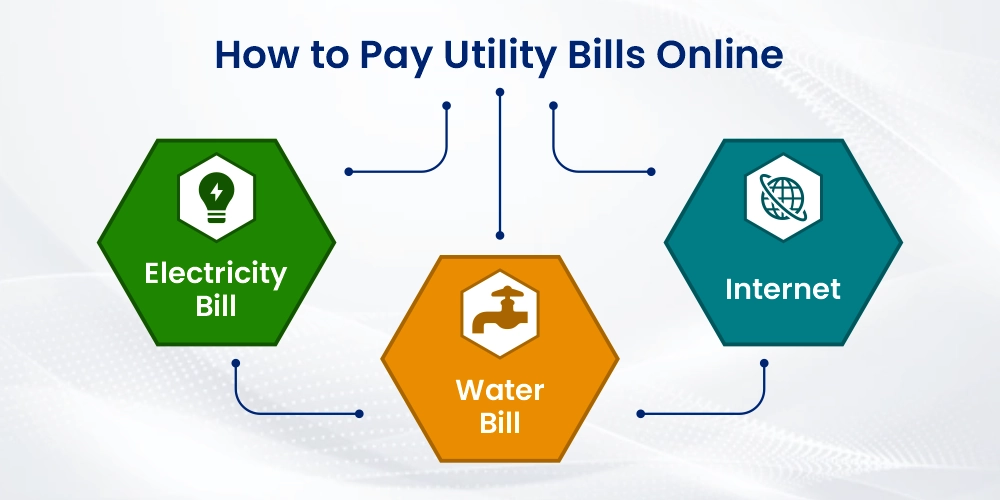
How to Pay the Electricity Bill Online
Electricity bills can be paid through:
- Discom website
- Bharat BillPay
- UPI apps like Google Pay, Paytm or PhonePe
Steps using a discom website:
- Visit your state electricity board website.
- Enter consumer number or service number.
- Check the outstanding bill.
- Click Pay Now.
- Choose a payment method.
- Download the receipt after payment.
This covers how to pay the electricity bill online and how to pay eb bill online.
Also Read: UPPCL Online Bill Payment
How to Pay the Electric Bill Online in Andhra Pradesh
There are two major electricity boards in AP:
- APSPDCL
- APEPDCL
Steps:
- Visit the APSPDCL or APEPDCL official website.
- Enter your service number.
- View the bill and choose the payment option.
- Complete the payment.
- Download bill receipt.
This explains how to pay the electric bill online in AP.
How to Pay Electricity or Power Bill Online in Telangana
Telangana has two discoms:
- TSSPDCL
- TSNPDCL
Steps:
- Visit the TSSPDCL or TSNPDCL portal.
- Enter consumer number.
- View outstanding bill.
- Make payment.
- Save the receipt.
This helps with queries like how to pay the electricity bill online in Telangana, how to pay the power bill online in Telangana and how to pay the power bill online in Telangana.
How to Pay the Water Bill Online
Water bills can be paid easily through municipal portals.
Steps:
- Visit your state or city water supply board portal.
- Enter the connection number or mobile number.
- Check water bill details.
- Pay through UPI or debit card.
- Save the payment confirmation.
This explains how to pay the water bill online.
Section C: How to Pay Insurance Premiums Online
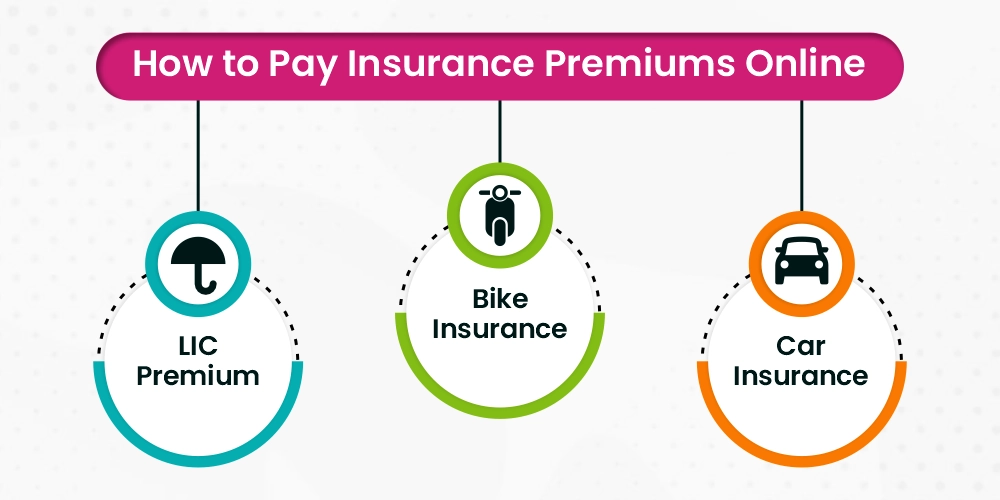
How to Pay LIC Premium Online
LIC offers online premium payment in two simple ways.
Method 1: LIC Login
- Visit the LIC portal.
- Log in with your mobile number or user ID.
- Go to Pay Premium.
- Select policy and amount.
- Pay through UPI, net banking or card.
Method 2: LIC PayDirect (No Login)
- Visit the LIC PayDirect page.
- Enter policy number, date of birth and premium amount.
- Complete the payment.
This answers how to pay the LIC premium online.
How to Pay Bike Insurance Online
Renewing bike insurance online is simple.
Steps:
- Visit your insurance company’s website.
- Enter bike registration number.
- Check renewal premium.
- Select add-ons if needed.
- Pay the premium online.
- Download the renewed policy instantly.
This explains how to pay for bike insurance online.
How to Pay Vehicle Insurance Online
For cars or commercial vehicles:
- Visit the insurer’s website or app.
- Enter vehicle details or policy number.
- Check the premium and coverage.
- Pay using UPI or card.
- Download the digital policy.
This explains how to pay for vehicle insurance online.
Section D: How to Pay Challans and Fines Online
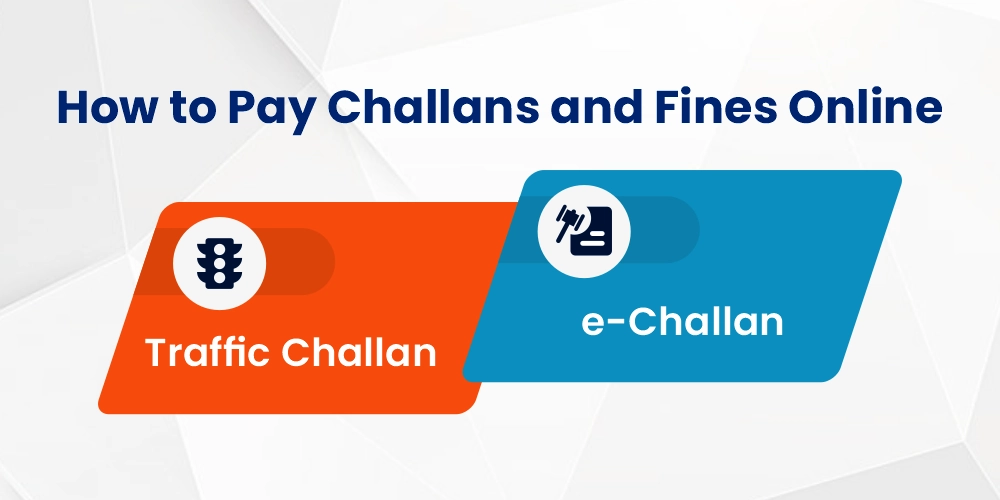
How to Pay Traffic Challan Online
The Ministry of Road Transport provides a central portal for traffic challan payment.
Steps:
- Visit the Parivahan e-Challan portal.
- Enter vehicle number, challan number or driving licence number.
- Check pending challans.
- Pay using UPI or net banking.
- Download the challan receipt.
This answers how to pay traffic challan online and how to pay traffic fine online.
How to Pay e-Challan Online
e-Challan is an electronic traffic challan issued using cameras and ANPR systems.
Steps:
- Open the Parivahan portal.
- Enter DL number or vehicle number.
- View e-Challan.
- Pay the amount online.
- Save the receipt.
This covers how to pay e challan online.
How to Pay Online Challan Using Parivahan
If you have any RTO or police challan:
- Visit Parivahan.gov.in.
- Select Pay Your Challan.
- Enter the required details.
- Pay through online mode.
- Keep the digital receipt.
This answers how to pay online challan and how to pay vehicle challan online.
Common Problems and Solutions Paying Bills
- Payment failed, but the amount debited: Wait 24 to 48 hours. Banks automatically reverse failed transactions.
- Receipt not showing: Check the payment history on the portal or use the paid transaction ID.
- Wrong bill or tax details entered: Contact customer care or visit the local office for correction.
- Consumer number not found: Check your old bill or SMS alert for the correct details.
- Challan not updated: It may take a few hours to reflect. For a fast update, contact your state police helpline.
Safety Tips for Online Payments
- Use only official government portals.
- Never click on unknown links or third-party websites.
- Keep your OTP and bank details private.
- Avoid using public Wi-Fi for financial transactions.
- Always download the payment receipt.
- Check for an HTTPS secure connection before entering card details.
Conclusion
Online payment of taxes, bills, challans and insurance premiums has become extremely simple in India. Anyone can complete almost any payment in just a few minutes using a mobile phone. It makes life easier, saves time and ensures secure transactions. Whether it is income tax, GST, electricity bill, LIC premium, property tax or e-challan, this guide has explained every process in simple language.
If you follow the steps provided here, you will never face difficulty in paying any government or utility bill online.
Also read: How to Pay Using Credit Cards Online